Prepare a pair
Open Balkan Converter, select the currencies you want, and let the latest reference rates load successfully.
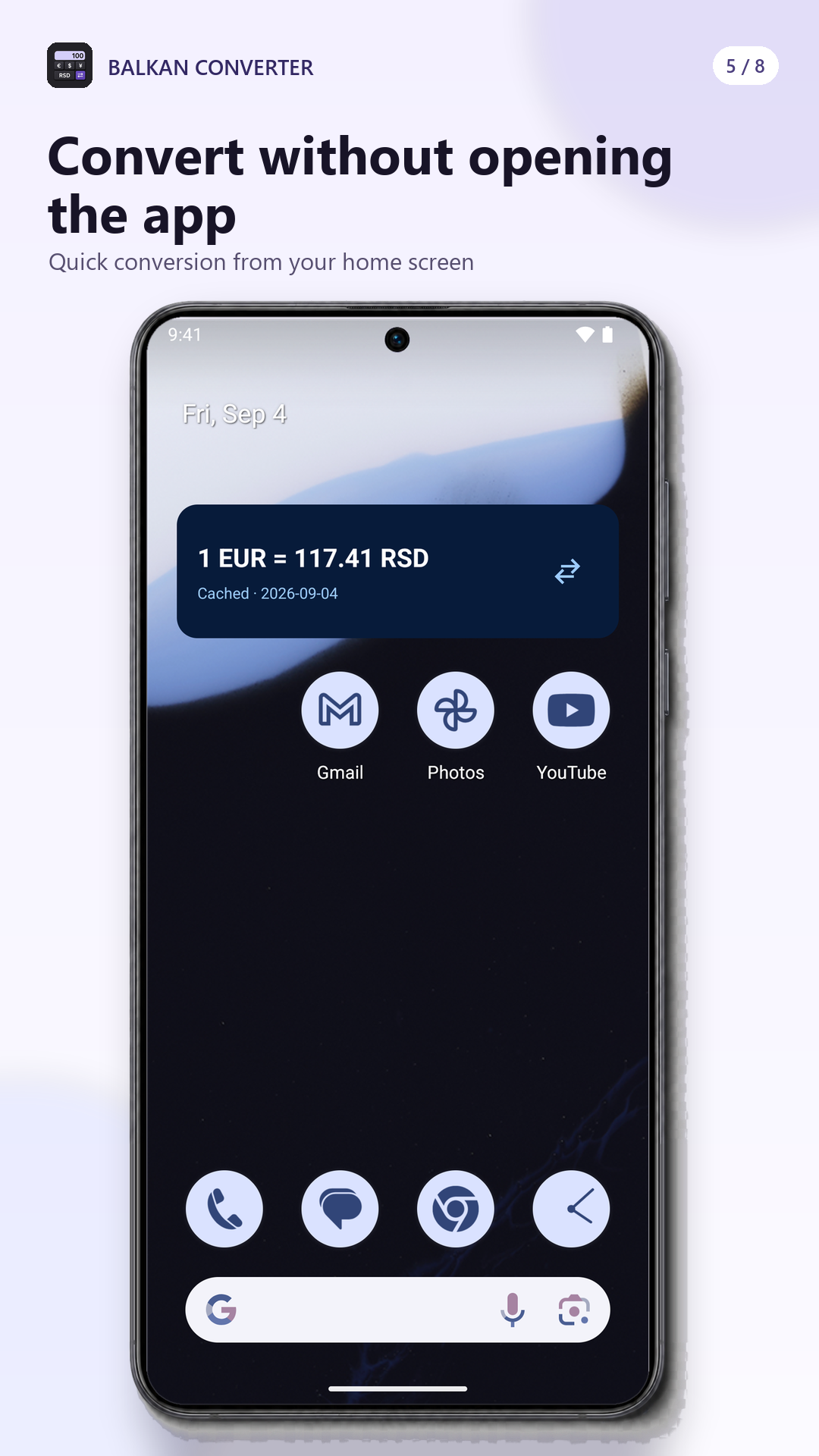
The card displays a reference rate for the selected pair plus a freshness label and rate date. Each widget starts with the pair most recently used in the app and then remembers its own pair.
Tapping the widget opens Balkan Converter with those currencies ready. On a medium-width widget, the swap control reverses the pair directly on the home screen.
The compact layout keeps the rate and date visible in less space. Make the widget wider when you want the dedicated swap action alongside the rate.
Android launchers control the exact grid size, so the available resize steps can differ between phones and tablets.
Conversion at a glance
Install the Android app, load your preferred pair, then place the production currency widget wherever it is easiest to reach.